
Try these first
- Take off the screen protector and case, then restart.
- Clean the screen and dry your hands — water and grease cause phantom taps.
- Unplug the charger. A poor-quality charger can make touch jumpy.
- Boot into safe mode. If touch works there, an app is the cause, not the screen.
What we look for
- A dead strip or corner that never responds — usually the screen.
- Ghost touches after a drop or a hairline crack — usually the screen.
- Touch that stopped after a previous repair — sometimes just a loose connector.
- Touch fails only when the phone is warm or charging — can be the board or charger, not the screen.
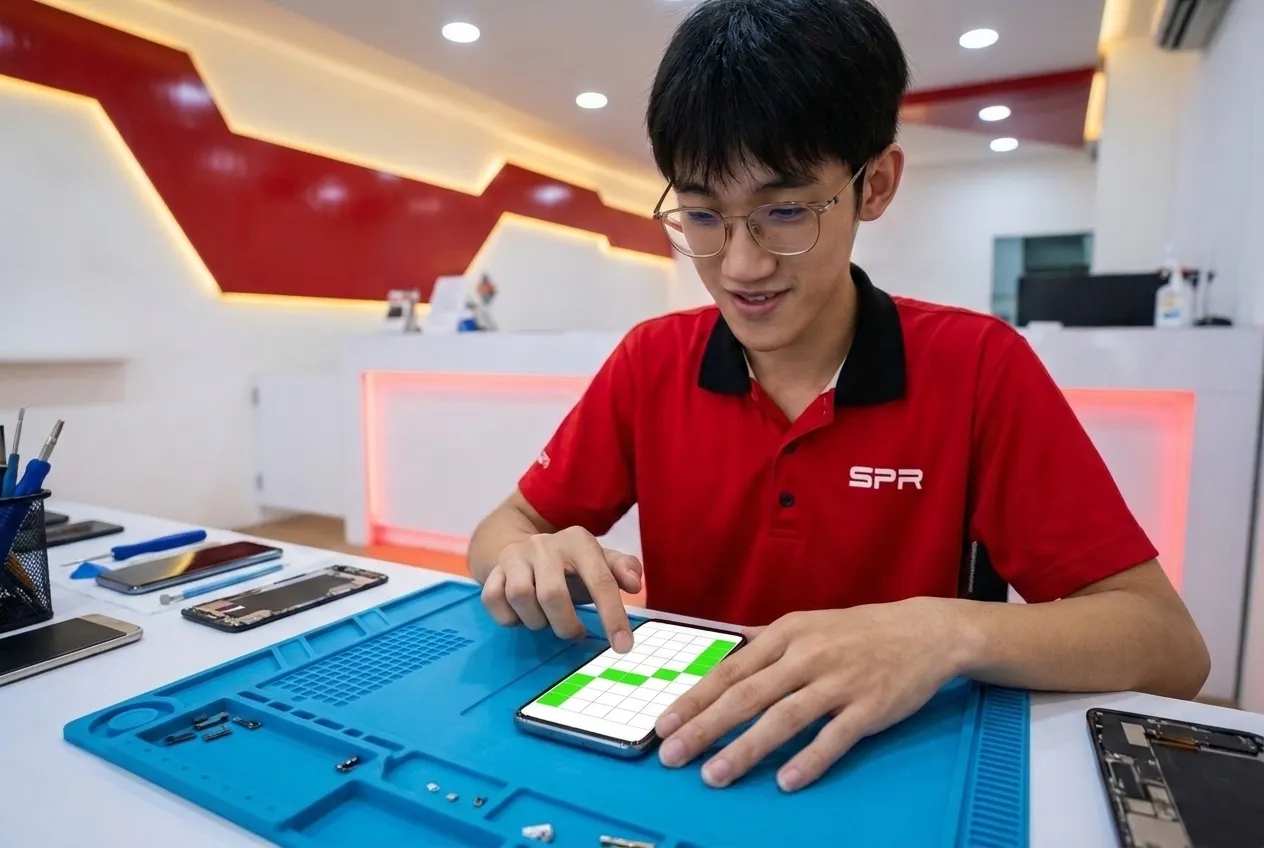
If the screen is the cause
Because touch and display come as one part on most Android phones, the repair is a screen replacement — choose a grade as you would for a cracked screen. Every new screen is tested edge to edge with you before you pay, and touch function is covered by the screen warranty.
Send the model and a photo of the screen.
Prices depend on the model and the option, so we don't list them here. On WhatsApp we tell you which options exist for your phone and quote each one — free, and you decide before any work starts.
Free quote on WhatsApp